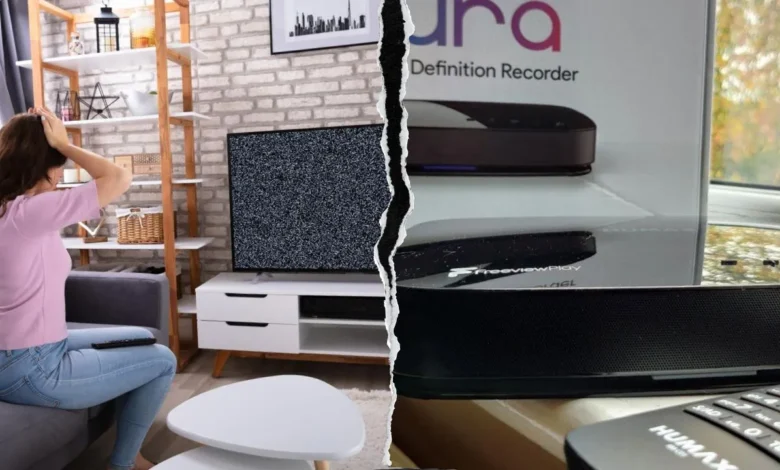
Humax Aura is a popular Freeview Play recorder that allows users to watch live television, record programmes, access catch-up services, and enjoy smart TV features from one device. However, like many advanced TV recorders, it can sometimes develop problems that interrupt normal viewing. Common complaints include frozen channels, missing Freeview services, blank screens, poor picture quality, failed recordings, EPG problems, and software-related glitches.
Many Humax Aura Freeview issues are caused by simple factors such as weak aerial signals, outdated software, incorrect settings, or temporary system errors. However, some problems can also be linked to specific software bugs or broadcast changes. For example, some Aura users have reported channel freezing, blank screens, and audio interruptions on certain channels, while others have experienced recording problems connected with affected channels.
This guide explains the most common Humax Aura Freeview issues, why they happen, and the practical steps users can take to restore normal performance without unnecessary repairs.
Why Do Humax Aura Freeview Issues Happen?
Humax Aura depends on multiple systems working together, including the aerial connection, Freeview signal, internal software, storage drive, internet connection, and programme guide data. If any part of this system experiences a problem, users may notice problems such as channels disappearing, recordings failing, menus becoming slow, or live TV freezing unexpectedly.
The first step in fixing Humax Aura Freeview issues is identifying the source of the problem. A weak aerial signal may create pixelation and missing channels, while software problems can cause freezing, app failures, or unexpected restarts. Understanding whether the problem comes from your setup, Freeview transmission, or the Humax software can save time and prevent unnecessary factory resets.
Some users also experience problems after updates or changes in broadcasting services. In these situations, the issue may not be related to hardware damage but instead require a software update or channel refresh. Keeping the device updated and checking basic connections should always be the first troubleshooting steps.
Humax Aura Freeview Channels Freezing or Showing a Blank Screen
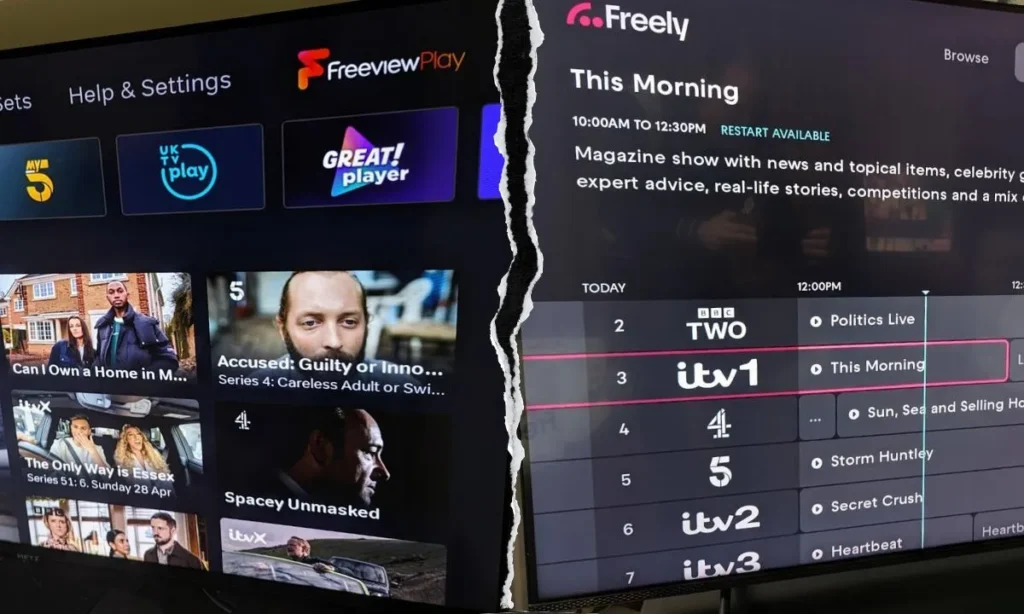
One of the most frustrating Humax Aura Freeview issues is when channels freeze, display a black screen, or lose audio during viewing. Users have reported situations where certain channels become unstable while other channels continue working normally. In some cases, affected recordings may also become difficult to watch because the same broadcast problem appears in saved programmes.
When only specific channels are affected, the problem may not be caused by your aerial or television. A software-related issue inside the Humax Aura system or a compatibility problem with certain broadcasts can sometimes create these symptoms. Before changing cables or performing a reset, check whether other devices receiving Freeview in your home show the same problem.
To troubleshoot freezing channels, start by completely restarting the Humax Aura. Turn the device off, disconnect the power cable, wait a few minutes, and reconnect it. This clears temporary system problems. If the issue continues, check for software updates, perform a channel retune, and monitor whether the problem affects specific channels only.
Fixing Humax Aura Signal and Reception Problems
Weak signal strength is one of the most common causes behind Humax Aura Freeview issues. Poor reception can cause pixelated pictures, missing channels, interrupted audio, and recording failures. Because Freeview channels are received through an aerial connection, even small problems with cables, aerial positioning, or signal quality can affect performance.
Start by checking the aerial cable connected to your Humax Aura. Make sure both ends are firmly connected and inspect the cable for visible damage. Older cables may lose performance over time, especially if they have been exposed to moisture or physical wear. Testing with another cable can help confirm whether the connection is causing the problem.
You should also check the signal information available through your Humax Aura settings. If the signal quality is low, the issue may require aerial adjustment or professional assessment. Problems caused by weak reception are usually different from software problems, so improving signal quality should be attempted before making major software changes.
How to Fix Missing Freeview Channels on Humax Aura
Missing channels are another common reason users search for Humax Aura Freeview issues. Channels may disappear after broadcasting changes, incorrect regional settings, software updates, or incomplete channel scans. In many cases, the device is working correctly but the stored channel list needs to be refreshed.
The easiest solution is performing a full automatic retune. This allows the Humax Aura to scan available frequencies again and update the channel database. Before starting the scan, check that your location and region settings are correct because Freeview services can vary depending on your area.
If channels continue disappearing after retuning, check whether your software version is updated. Firmware improvements can fix compatibility problems and improve how the device communicates with Freeview services. Regularly checking for updates helps reduce repeated channel-related issues.
Humax Aura Recording Failures and Playback Problems
Recording problems can be especially frustrating because the main purpose of a TV recorder is to save programmes reliably. Some users experience failed recordings, incomplete recordings, playback interruptions, or recordings affected by freezing and picture problems.
A common reason for recording failures is unstable signal quality. If the Humax Aura cannot receive a clear broadcast signal while recording, the saved programme may contain errors. Checking live playback first can help identify whether the problem is related to reception.
Storage space can also affect performance. If the internal drive contains a large number of recordings, removing old programmes may improve responsiveness. Restarting the device occasionally can also clear temporary issues affecting recording functions.
Before performing a factory reset, users should remember that resetting the device can remove personalised settings and may affect stored information. A reset should be considered only after simpler solutions such as updates, retuning, and connection checks have failed.
Humax Aura EPG and Programme Guide Problems
The electronic programme guide (EPG) is essential for browsing channels and scheduling recordings. Some Humax Aura users experience problems where programme information does not load correctly, channels show missing details, or scheduled recordings become difficult to create because guide data is incomplete.
EPG problems can happen because of temporary broadcast data issues, software bugs, or incorrect channel information. Restarting the device and allowing time for the guide to refresh can sometimes solve the problem. It is also important to keep the Humax Aura connected correctly and ensure the device receives necessary updates.
If recording schedules repeatedly fail because programme information is missing, check whether the issue affects only specific channels. This can help determine whether the problem is related to the broadcaster’s guide data or the Humax system itself.
Fixing Humax Aura App and Network Connection Issues
The Humax Aura app provides additional features such as remote control options and recording management. However, some users have reported problems with app connectivity, loading schedules, and remote recording functions.
If the app is not working correctly, first confirm that both the Humax Aura device and mobile phone have a stable internet connection. Restarting the app, checking for updates, and reconnecting the device can resolve temporary connection problems.
Network issues can also affect smart features even when normal Freeview channels continue working. Separating aerial problems from internet problems makes troubleshooting easier. If live TV works but app features fail, the issue is more likely related to network settings or app functionality.
Preventing Future Humax Aura Freeview Issues
Regular maintenance can reduce the chances of experiencing repeated Humax Aura problems. Keeping software updated, maintaining good aerial connections, managing storage space, and restarting the device occasionally can improve reliability.
Users should also avoid making unnecessary changes when a problem appears. For example, immediately performing a factory reset may remove settings without fixing the actual cause. A better approach is to follow a simple troubleshooting order: check connections, restart the device, update software, retune channels, and only then consider advanced solutions.
Keeping notes about when problems happen can also help identify patterns. If freezing occurs only on certain channels or at specific times, the information can help determine whether the cause is related to reception, broadcasting, or the device itself.
Conclusion
Humax Aura Freeview issues can range from simple signal problems to more complicated software and recording-related faults. Most common problems can be solved by checking connections, improving signal quality, updating software, refreshing channels, and maintaining the device properly.
The best way to troubleshoot Humax Aura problems is to identify the exact symptom before applying a solution. A freezing channel, missing service, failed recording, and app connection problem may all have different causes. By following the correct troubleshooting steps and keeping the device updated, users can maintain a smoother and more reliable Freeview experience.
FAQs
Why is my Humax Aura showing a blank screen on some channels?
A blank screen can happen because of signal problems, software glitches, or channel-specific issues. Restarting the device, checking updates, and retuning channels may help.
Why does my Humax Aura keep freezing during live TV?
Freezing is usually caused by weak signal quality, software problems, or temporary system errors. Check connections, restart the device, and update the software.
How do I restore missing Freeview channels on Humax Aura?
Run a full automatic retune and confirm that your regional settings are correct. Updating the software can also help resolve channel problems.
Why are my Humax Aura recordings failing?
Recording failures can happen because of weak signals, storage problems, guide data issues, or software errors. Check reception and available updates first.
Should I factory reset my Humax Aura to fix problems?
A factory reset can solve serious software issues, but it should be the last option because it removes saved settings and requires setup again.
You May Also Read: Leo Horoscope Today Russell Grant